
BOOTCAMP PROJECT
CoBudget
A new feature allows Copilot users to share budgets with their partners
Problem
Copilot users struggle with joint budgeting due to the absence of a shared budget feature, prompting them to consider alternatives from competitors
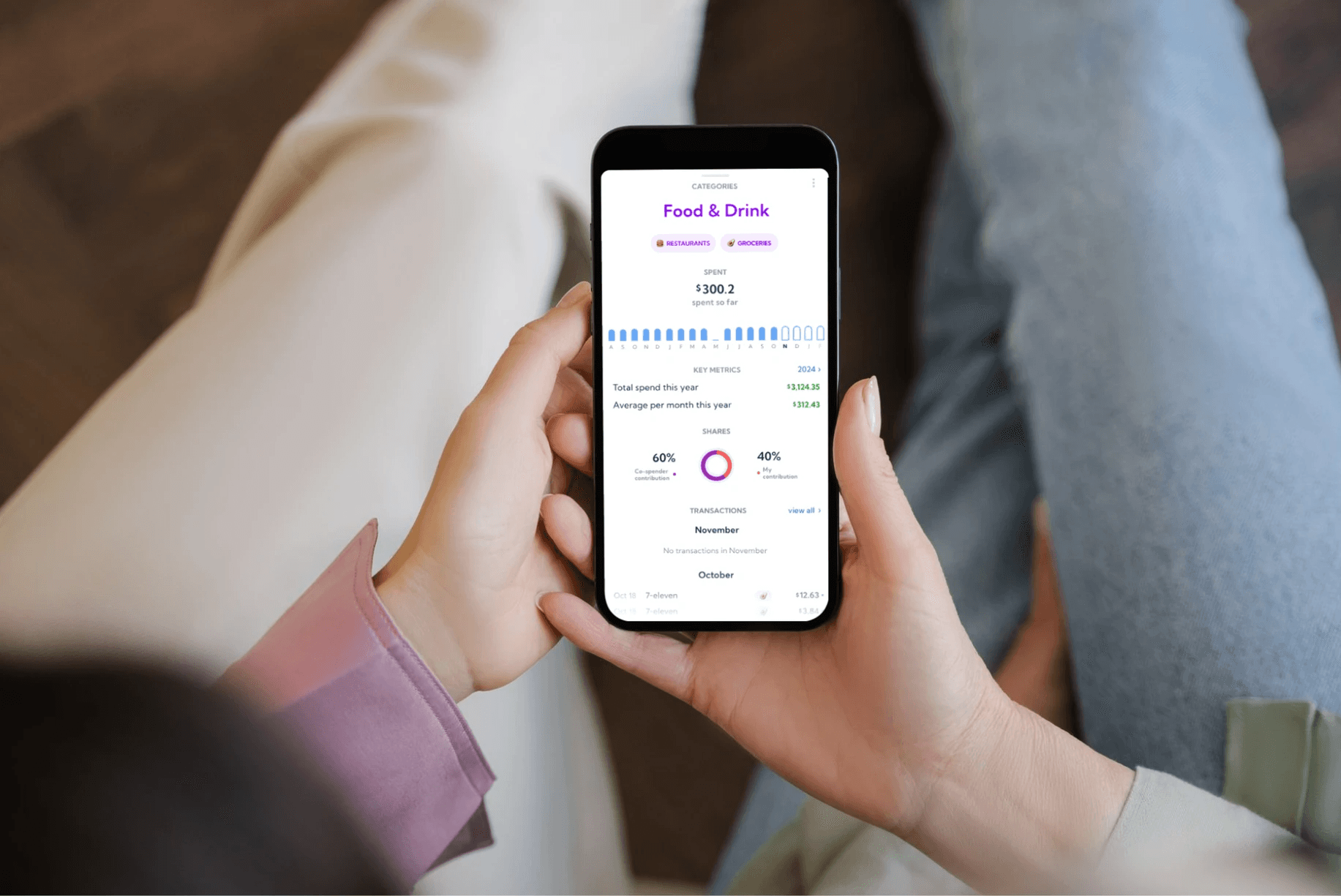
Interviews /Method 2/
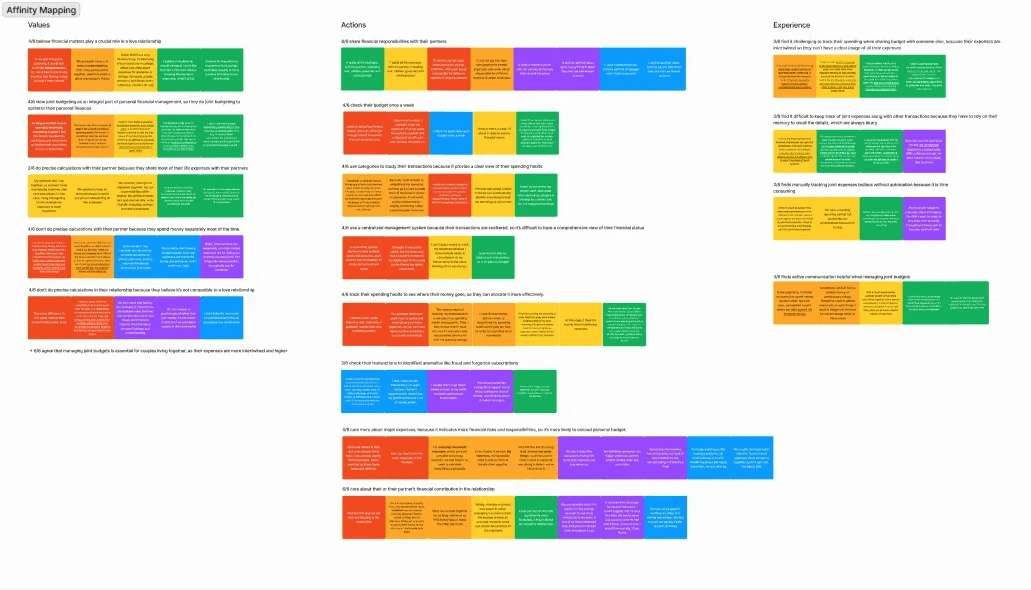
Competitive Analysis /Method 1/
Mostly depends on manual input and transaction labeling, making the process lengthy and tedious.
Tools designed for personal budgeting lack specific features for shared responsibilities or joint accounts



Provide users with a solution to identify shared expenses so that they can track their personal and shared spending separately
Help users to identify spending habits so that they can better allocate their money with their partners
Set Split Ratio
Allow users to split transactions by ratio or amount, eliminating the need for manual calculations.
Help users easily untangle and organize their transactions by applying changes to all similar transactions that meet the same rules.
CoBudget Label
Enable users to label a single transaction or multiple transactions as shared expenses in one action.
Labeled transactions will be removed from users’ personal report and calculated into CoBudget report.
CoBudget Design Concept
A shared budget feature that allows users to manage their personal and shared expenses clearly and separately.
CoBudget Dashboard
Enables users to manage shared expenses with their partners in real time.
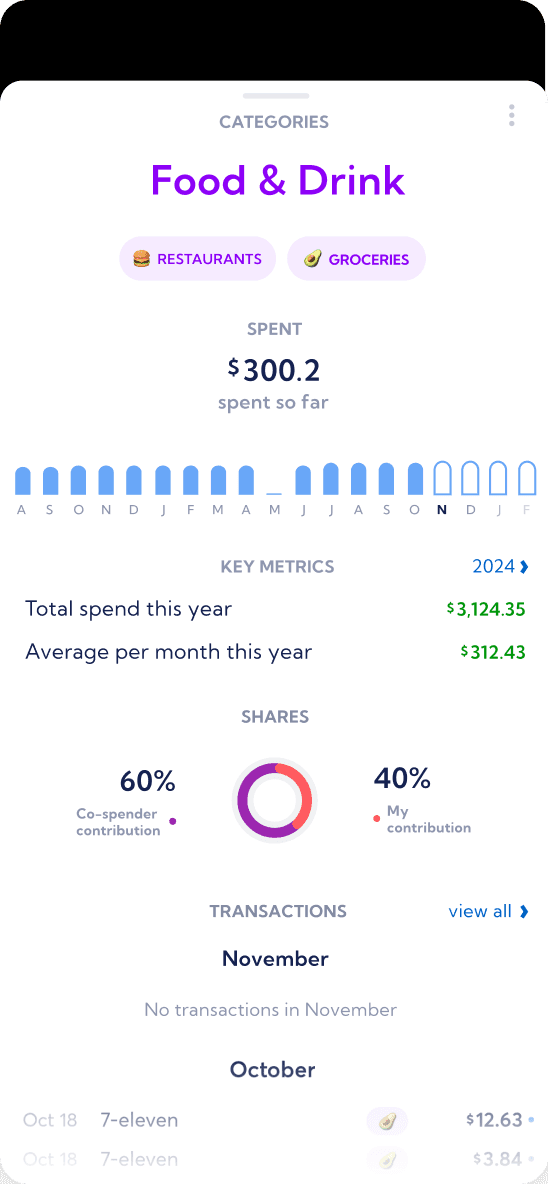
A dedicated dashboard to track shared transactions, analyze spending habits, and manage budgets and contributions.
Copilot offers a Split feature that allows users to adjust the split amount of a single transaction.
However......
Users have to manfully adjust the split amount and category of each transaction.
Only one transaction can be split at a time.
User can’t get any useful insight from the shared transactions.
Split expenses cannot be shared with the co-spender.
No insight about shared expense
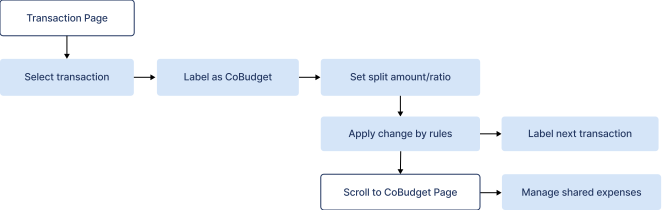
Service Workflow
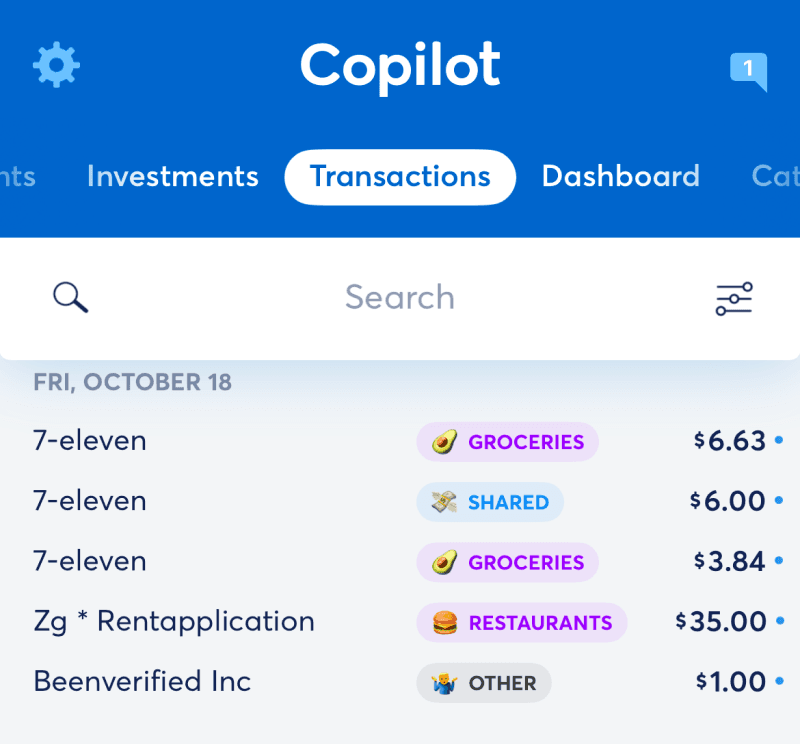
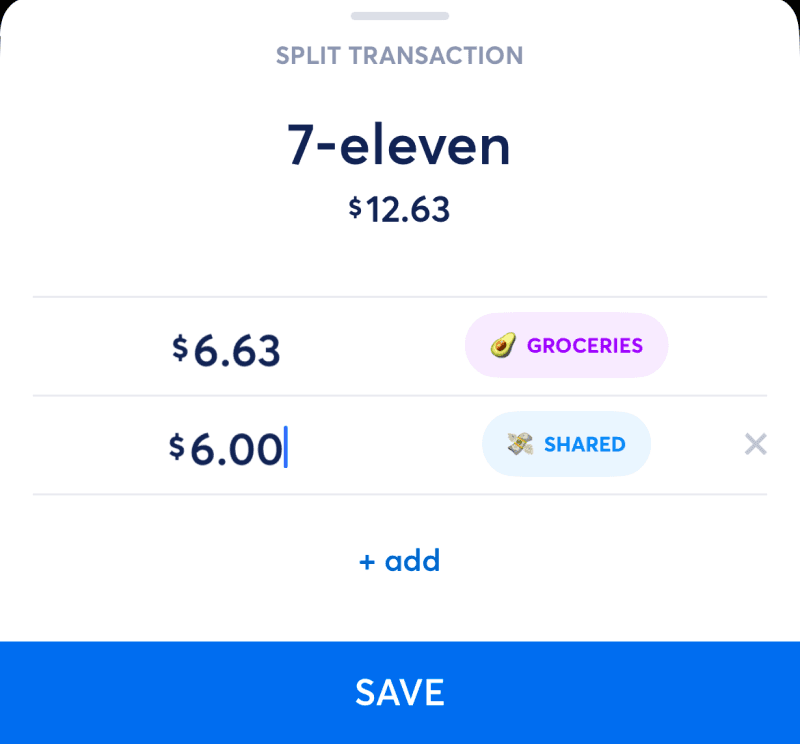
Users to calculate the amount
Requires manual adjustment for each transaction
Can not be shared with co-spenders

Wireframing
I began with low-fidelity wireframes to explore how to seamlessly integrate the new features into the existing product.
Transaction info
Transaction category
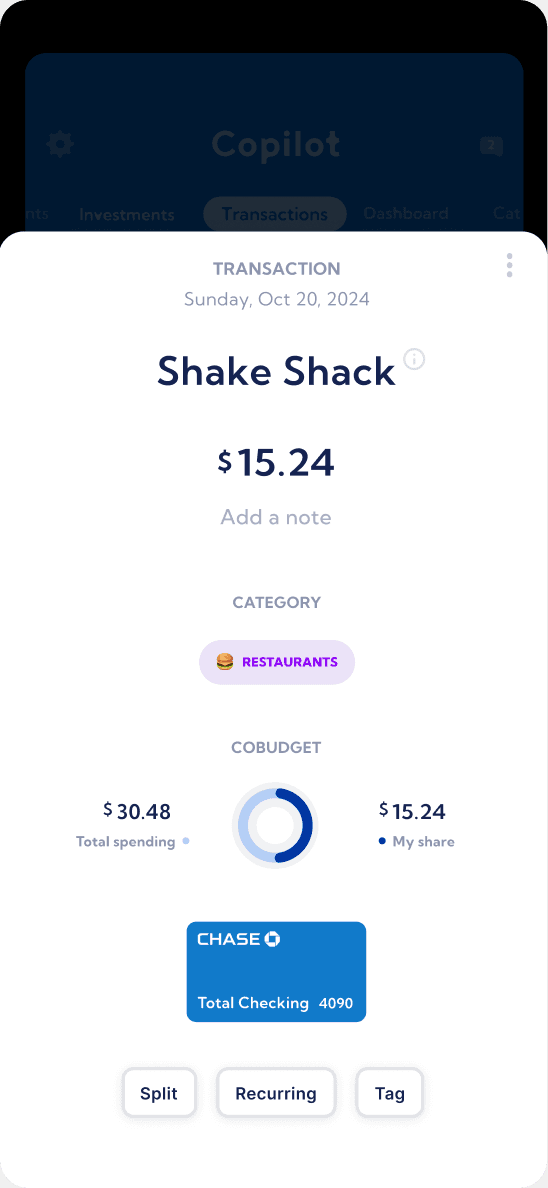
The transaction information page now includes a new CoBudget feature that displays the split ratio for a CoBudget transaction.
Users can tap to manually adjust the split amount and ratio.
Split visulization
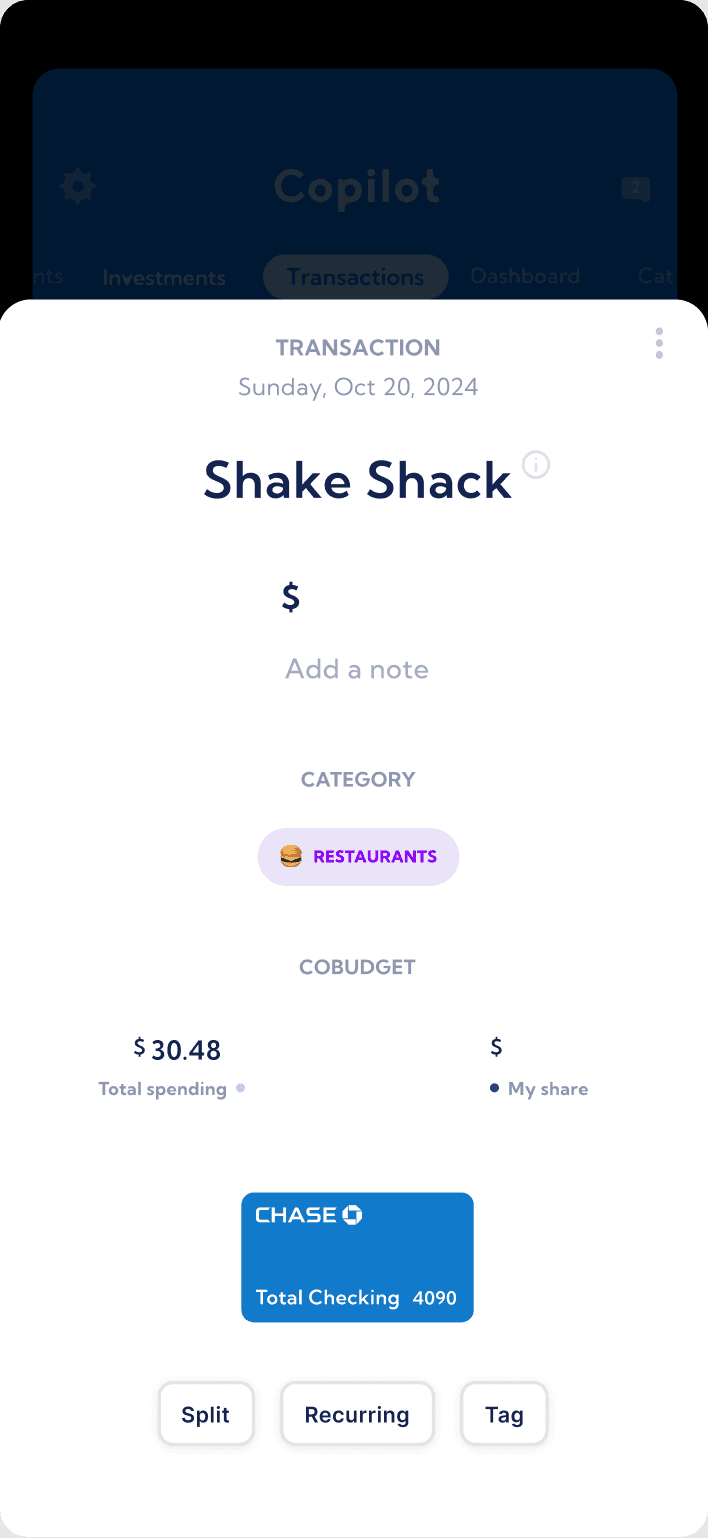
The ring graph visualizes the ratio between the total transaction and the user's share. It dynamically updates as the user adjusts the percentage or amount.
Users can manually set the split amount or percentage for a transaction. Once adjusted, they can create a new rule to apply the change to similar transactions.
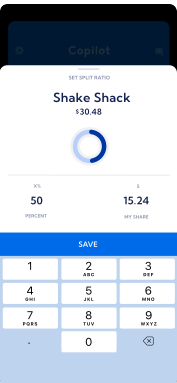
Split amount input
Split ratio visualization
Transaction information
Iterations
Finding:
Error rate: 80%
Participants found the ring chart confusing because it has no descriptions.
Finding:
Error rate: 60%
Participants expressed a desire for more detailed information about each party's contribution, which the current ring chart fails to provide.
Improvement:
Numeric and textual descriptions of the values have been added to the ring chart for better clarity.
Improvement:
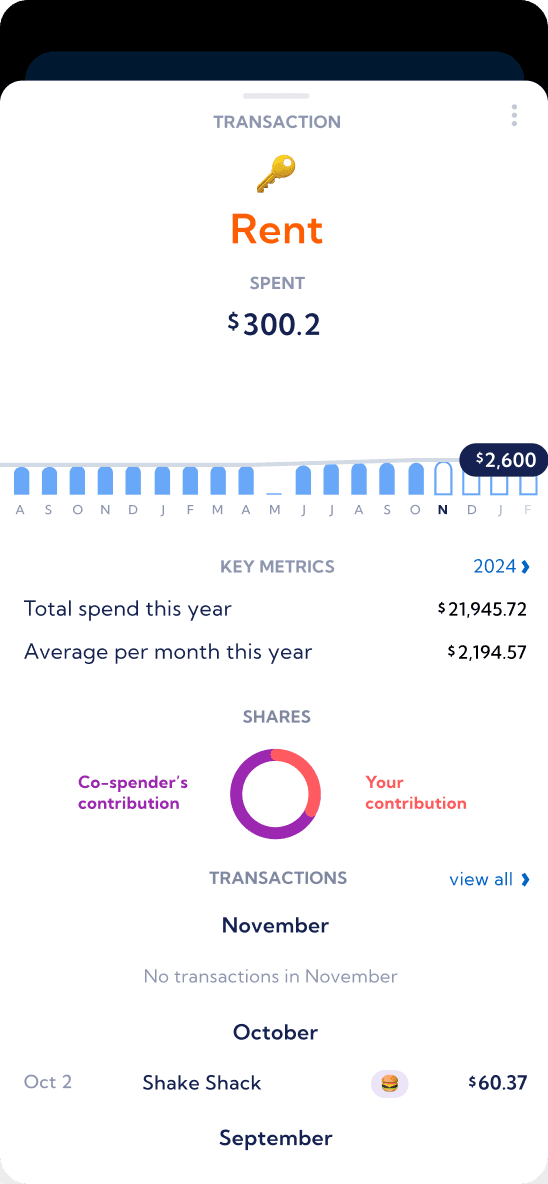
Numeric descriptions of each party's contribution have been added. Users can switch between percentage and amount by long-pressing the description.
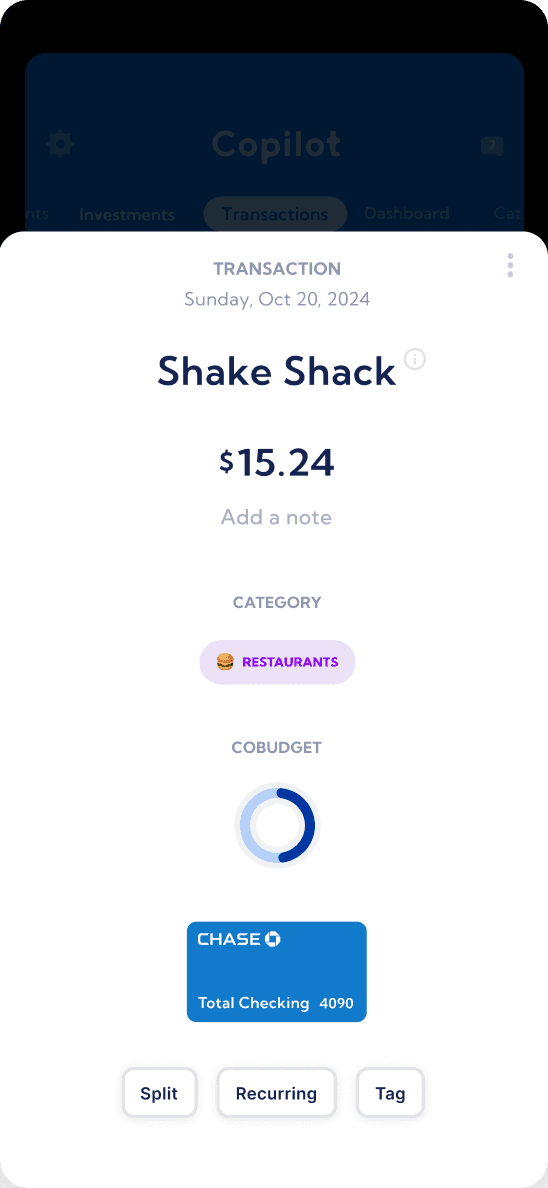

Final Design